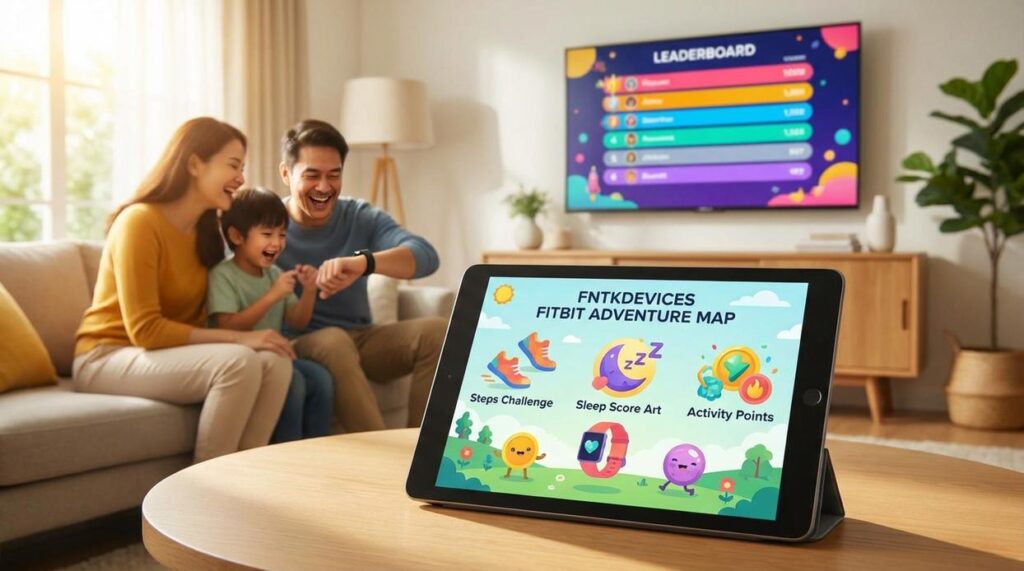
I see most people treat their Fitbit like a fancy pedometer.
You’re wearing a device packed with sensors that track heart rate variability, sleep stages, and stress patterns. But you’re probably just checking your step count and moving on.
That’s leaving a lot on the table.
I’ve spent years working with wearable sensors and hardware at FNTK Devices. I know what these devices can actually measure and what that data means for your body. Most of it never gets used.
This guide shows you fun ways to use your Fitbit data that go way beyond counting steps. I’m talking about using your device’s sensors in ways the quick-start manual never mentions.
You’ll learn how to read patterns in your data that reveal things about your health you didn’t know you could track. Some of these methods come from research studies. Others come from creative users who figured out what their device could really do.
No fluff about hitting 10,000 steps. Just practical ideas that make your Fitbit worth what you paid for it.
If you’ve ever thought “there has to be more I can do with this thing,” you’re right. Let me show you what you’ve been missing.
Beyond the 10,000 Steps: Gamifying Your Activity
You know that little buzz on your wrist when you hit 10,000 steps?
It feels good for about five seconds. Then you realize you spent most of the day shuffling around at a snail’s pace and your heart rate barely moved.
Here’s what most people don’t get about fitness tracking. Steps are fine, but they don’t tell you much about actual effort.
Some folks say steps are all that matter. Just move more and you’ll be healthier. They’ll point to studies showing that any movement beats sitting on the couch.
Fair point.
But I’ve walked 15,000 steps in a day while browsing stores and felt nothing. Then I’ve done a 20-minute sprint session that left my shirt soaked and my legs shaking. Guess which one actually changed my fitness level?
Active Zone Minutes (AZM) track the intensity of your movement, not just the quantity. When your heart rate climbs into fat-burning or cardio zones, those minutes count. Everything else is just background noise.
I started a simple challenge last month. Beat my weekly AZM average by 10%. That’s it.
The result? I stopped taking long, lazy walks and started adding short bursts of real work. A three-minute sprint up the hill near my house. Twenty jumping jacks between meetings. The kind of stuff that makes you feel your pulse in your ears.
The floors climbed metric is another one people ignore. I get it. It seems random when you live in a ranch-style house.
But here’s a fun way to use your Fitbit data Fntkdevices. Pick a landmark and climb it virtually over a month.
The Eiffel Tower sits at about 1,700 steps or 110 floors. Space Needle in Seattle? Around 832 steps. You choose stairs over the elevator enough times and you’ve summited something real (without the plane ticket).
Your calves will feel it too. That burn when you hit the third flight and your thighs start complaining.
Then there’s the 250 steps per hour goal. Most people treat it like an annoying reminder.
I flipped it. Every hour when my tracker vibrates, I stand up and do a specific five-minute task. File those papers. Wash the coffee mugs piling up on my desk. Return that one email I’ve been avoiding.
It’s like the Pomodoro technique but with actual movement baked in. My focus stays sharper and I don’t end the day feeling like I’ve been glued to my chair for eight hours straight.
Decoding Your Sleep: From Data Points to Daily Energy
Your Fitbit gives you a sleep score every morning.
But what are you supposed to do with it?
Most people glance at the number, shrug, and move on. Maybe they feel good about an 85 or bad about a 62. Then they forget about it until the next morning. While many gamers might glance at their scores and shrug, the true impact of their performance often lingers in the back of their minds, especially when considering how tools like Fntkdevices can enhance their skills for the next round. While many gamers might glance at their scores and shrug, the true impact of their performance often lingers in the back of their minds, especially when they consider how their favorite Fntkdevices can elevate their gameplay and strategy in future sessions.
That’s a waste of data.
I’m going to show you fun ways to use your Fitbit data fntkdevices that actually change how you feel during the day.
Your Sleep Score Is a Planning Tool
Here’s what I do. When my score drops below 75, I adjust my day before it even starts.
I skip the heavy lifting session. I push that client call to the afternoon when I know my brain will be sharper. And I set a reminder to get in bed 30 minutes earlier that night.
Some people say you should push through low sleep days and maintain your routine no matter what. They think adjusting your schedule based on sleep data is overthinking it.
But here’s the reality. Your body already knows it’s tired. The score just confirms it. Fighting that information doesn’t make you tougher. It makes you slower and more prone to mistakes.
Track How You Actually Feel
The score is one thing. How you feel is another.
I keep a simple note on my phone. Each morning I write one word (focused, foggy, wired, whatever fits) and check my REM and Deep Sleep percentages from the night before.
After two weeks, patterns show up. Maybe you feel sharp when you hit 25% REM, even if your total sleep was only six hours. Or maybe you need at least 90 minutes of deep sleep to feel human.
This is your personal sleep formula. Not some generic recommendation from a blog post.
What Those Oxygen Variations Mean
You’ve probably seen the estimated oxygen variation chart and wondered what it’s telling you.
It tracks breathing disturbances while you sleep. High variations mean your breathing isn’t steady. That could be sleep position, allergies, or something you ate before bed.
I noticed mine spiked on nights when I had a big meal after 8 PM. So I started eating earlier and the variations dropped. My sleep score went up too.
Try changing your sleeping position for a week. Track the results. If the variations decrease, you’ve found something that works for your body.
Your latest tech devices fntkdevices already collect this information. You just need to use it.
Your Heart Rate: The Unseen Engine of Fitness
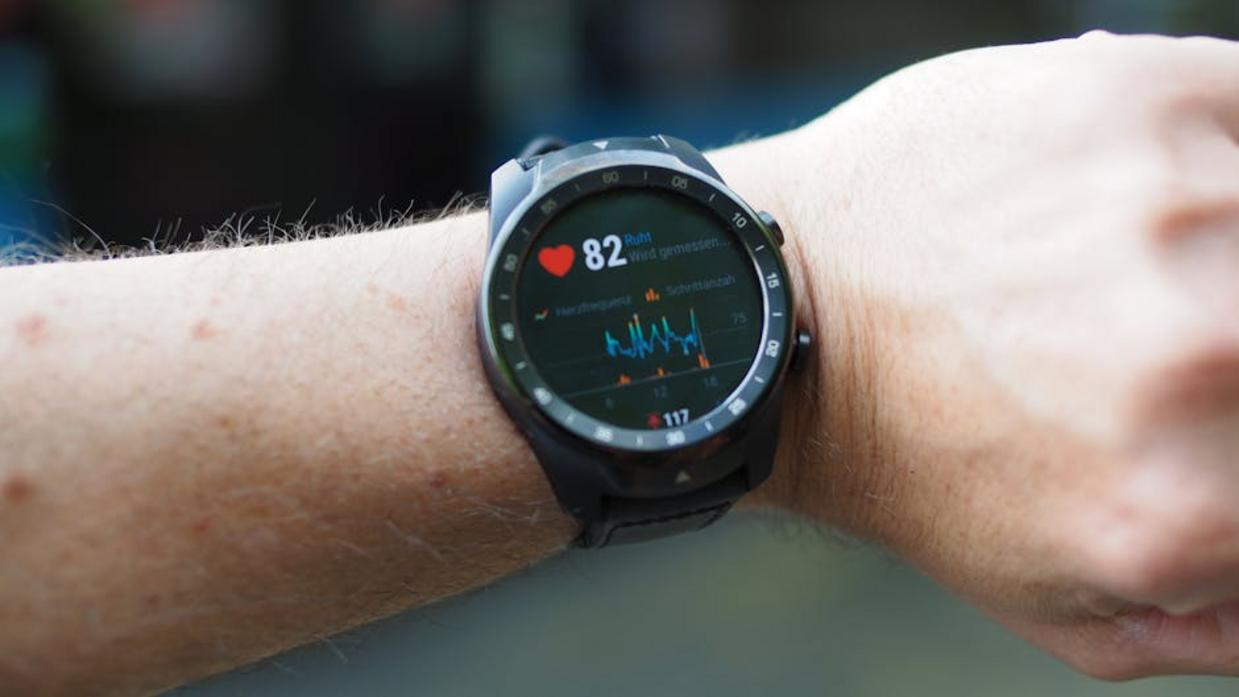
Your Fitbit knows something about you that you probably ignore.
Your heart rate tells a story. Not just when you’re working out, but all day long.
Most people glance at their heart rate during a run and call it a day. But that’s like owning a sports car and only checking if the engine is on.
Some fitness experts say heart rate tracking is overrated. They’ll tell you to just listen to your body and forget the numbers. And sure, there’s something to be said for intuition.
But here’s what they’re missing.
Your resting heart rate (RHR) can catch problems before you feel them. A spike of 3 to 5 BPM above your baseline? That’s your body waving a red flag. Could be stress. Could be overtraining. Could be you’re getting sick. Monitoring your resting heart rate is crucial for your health, so if you’re unsure about how to interpret the data or need guidance on maintaining optimal performance, understanding How to Keep Your Fitbit Updated Fntkdevices can make all the difference in catching potential issues early. To effectively monitor your resting heart rate and catch potential health issues early, it’s essential to understand how to keep your Fitbit updated Fntkdevices, ensuring that you receive the most accurate data possible.How to Keep Your Fitbit Updated Fntkdevices
I track my RHR every morning. Takes about five seconds to check. When it jumps, I know to take it easy that day (even when I feel fine).
Here’s the thing about VO2 Max that nobody explains well. It’s not just a number. It’s basically how well your body uses oxygen. The better that score, the healthier your cardiovascular system.
You don’t need to obsess over it. But moving from “Average” to “Good” over a few months? That’s real progress. One HIIT session per week can shift that number.
And those heart rate zones your Fitbit shows you? They’re not decoration.
Zone 2 on Tuesday for fat burning. Zone 4 on Thursday for cardio capacity. That’s how you use fun ways to use your fitbit data fntkdevices instead of just collecting it.
Your heart rate is already being tracked. You might as well know what it means.
Want to keep your device running right? Check out how to keep your fitbit updated fntkdevices.
Connecting the Dots: How Different Metrics Influence Each Other
Your Fitbit doesn’t just track numbers.
It tells a story. But most people never connect the dots.
Here’s what I mean. You might see that your resting heart rate spiked on Tuesday. Or that you only got 45 minutes of deep sleep last night. These feel like random data points.
They’re not.
Some people say tracking all this stuff is overkill. They argue that you should just listen to your body and move on. And sure, that works if you’ve got perfect intuition about what’s affecting your recovery.
But most of us don’t. We blame the wrong things or miss patterns entirely.
Let me show you what’s actually happening when you look at your metrics together.
The Sleep and Heart Rate Pattern
Try this. Pull up your sleep data from the past week and compare it to your resting heart rate.
Notice anything?
When you get less deep sleep, your RHR usually climbs the next day. Your body is working harder because it didn’t recover properly. I see this pattern constantly in my own data (and it’s why I stopped scrolling on my phone at midnight).
This isn’t just about feeling tired. A higher RHR means your cardiovascular system is under stress. If you want better recovery, you need to prioritize sleep first. I tackle the specifics of this in Fntkdevices Latest Tech Devices From Fitnesstalk.
When Your Workouts Mess With Your Sleep
Now look at your activity timing.
Did that 9 PM HIIT session help or hurt your sleep score? For most people, late workouts tank their deep sleep numbers. Your body is still amped up when you’re trying to wind down.
But here’s the interesting part. Morning or early afternoon workouts often lead to more deep sleep that night. Your body has time to process the stress and actually benefits from the fatigue.
Check your own patterns. The answer might surprise you.
| Metric Relationship | What to Look For | Why It Matters |
|---|---|---|
| ——————— | —————— | —————- |
| Deep Sleep vs RHR | Low sleep = higher RHR next day | Shows incomplete recovery |
| Workout Timing vs Sleep Score | Late workouts = lower scores | Helps optimize training schedule |
| Stress Days vs Sleep Quality | High stress = disrupted sleep | Proves need for stress management |
What Stress Actually Does to Your Body
If you’ve got an EDA sensor, this gets even better.
Compare your high stress days to your sleep quality and RHR. You’ll see the connection fast. Stress doesn’t just live in your head. It shows up in your heart rate and wrecks your sleep. In today’s fast-paced world, understanding how stress impacts your sleep and heart rate is crucial, and utilizing the Latest Tech Devices Fntkdevices can help you monitor these vital signs to improve your overall well-being. In today’s fast-paced world, understanding how stress impacts your sleep and heart rate is crucial, and utilizing the Latest Tech Devices Fntkdevices can provide valuable insights and tools to help manage these effects effectively.
This is where fun ways to use your Fitbit data fntkdevices really pays off. You’re not guessing about whether meditation helps. You can see it in the numbers.
The point isn’t to obsess over every metric. It’s to understand what actually affects your recovery so you can fix it.
Your Fitbit is More Than a Tracker—It’s a Partner
You came here feeling stuck with numbers that didn’t mean much.
Now you have a toolkit of strategies that turn raw data into real progress.
The problem was never your Fitbit. It was treating each metric like it lived in a vacuum. Your steps don’t exist separately from your sleep. Your heart rate tells a story that connects to your recovery.
When you start seeing these connections, everything changes.
Your device becomes less about hitting arbitrary goals and more about understanding what your body is actually telling you. That’s when the data starts working for you instead of the other way around.
Here’s what you need to do: Pick one idea from this list and try it this week.
Start small. Maybe you compare your resting heart rate to your sleep quality for seven days. Or you track how your step count affects your energy levels.
Watch what happens. The patterns will show up faster than you think.
Your Fitbit has been collecting clues this whole time. Now you know how to read them.
fun ways to use your fitbit data fntkdevices gives you the concepts to make your wearable work harder for your goals. The data is there. Your next move is to use it.
 Tyvian Esthoven is the kind of writer who genuinely cannot publish something without checking it twice. Maybe three times. They came to tech innovation updates through years of hands-on work rather than theory, which means the things they writes about — Tech Innovation Updates, Emerging Interface Technologies, Device Optimization Techniques, among other areas — are things they has actually tested, questioned, and revised opinions on more than once.