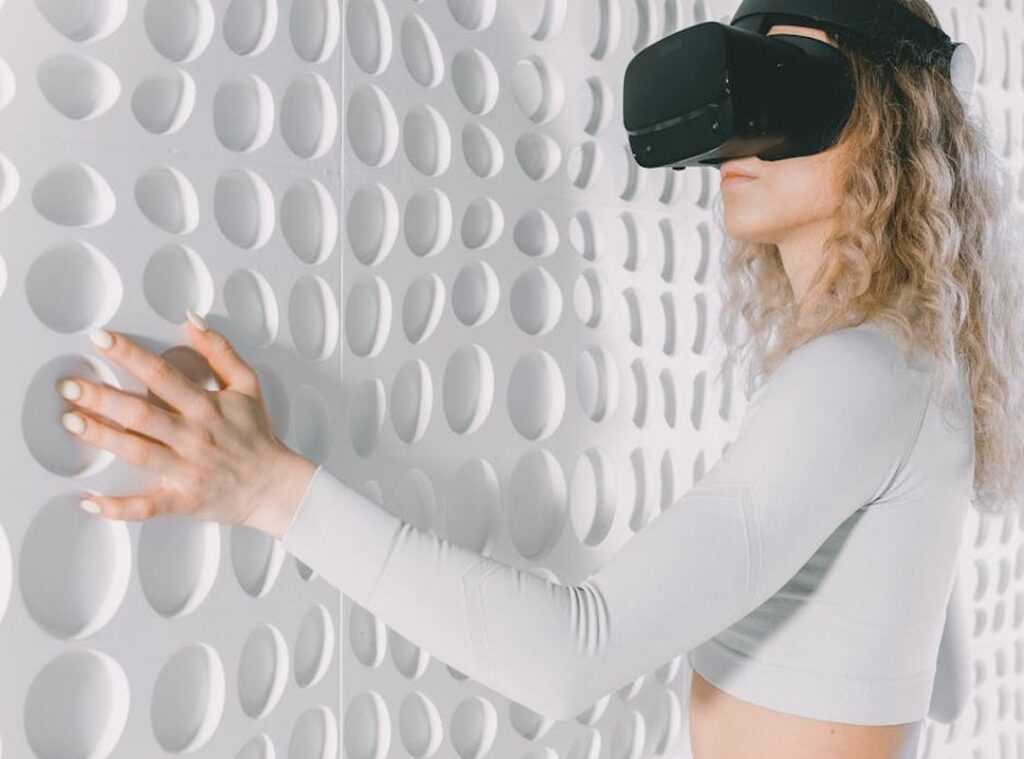
I’ve been building hardware that gets out of your way instead of demanding your attention.
You’re tired of staring at screens all day. So am I. That’s why I started rethinking how we interact with technology in the first place.
Most devices pull you away from the world around you. They create this barrier between you and everything else. I wanted to fix that.
fntkdevices is my answer to that problem.
This is the first official look at what we’ve built. I’m going to walk you through the engineering decisions and design principles that shaped each product.
These aren’t concept sketches or prototypes. They’re real devices that work differently than what you’re used to.
You’ll see how we approached common problems with technology. Things like constant notifications, screen fatigue, and devices that feel like they control you instead of the other way around.
I’ll explain what makes each device different and why we made the choices we did. No marketing speak. Just the actual thinking behind the hardware.
If you’re looking for tech that fits into your life without taking it over, this is where that starts.
FNTK VisionFrame: The Future of the Digital Workspace
Most AR headsets make the same promise.
They’ll change how you work. They’ll replace your monitor. They’ll make you more productive.
Then you put them on for 20 minutes and your head hurts.
I’ve tested enough AR hardware to know the pattern. Great demos. Terrible daily use. The tech just isn’t there yet.
Some people argue that AR workspaces are still years away from being practical. They point to the weight, the battery life, the motion sickness. They say we should stick with traditional screens until the technology matures.
And honestly? They have a point. Most AR headsets aren’t ready for real work.
But here’s what I think they’re missing.
The VisionFrame isn’t trying to be another gaming headset that also does productivity. It was built from the ground up for people who actually need to get work done.
The Spatial Canvas Changes Everything
I know that sounds like marketing speak. But hear me out.
The Spatial Canvas projects a high-resolution AR desktop directly into your physical space. Not a tiny floating window. A full workspace that adapts to wherever you are.
What makes this different? The custom micro-OLED displays.
Most AR devices use standard panels that weren’t designed for extended use. Your eyes work too hard to focus. You get tired fast (usually within 30 minutes if we’re being honest).
FNTK engineered their own displays specifically to reduce eye strain. They paired them with a proprietary low-latency chipset that keeps everything synced. No lag between your head movement and what you see.
That’s what causes motion sickness in other headsets. The disconnect between what your eyes see and what your body feels.
The VisionFrame eliminates it.
Beyond Notifications
Here’s where this gets interesting for actual work.
Architects can pull up 3D models at full scale. Walk around them. Make changes in real time. I’ve seen demos where someone redesigned an entire floor plan while standing in the actual space.
Data analysts can visualize datasets in three dimensions instead of squinting at spreadsheets. You can literally step inside your data and see patterns you’d miss on a flat screen.
Students learning anatomy? They can examine a beating heart from every angle without needing a cadaver lab.
This isn’t speculation about what might be possible someday. People are already doing this with prototype units.
Built Different
The VisionFrame weighs about as much as a pair of sunglasses. Carbon fiber construction keeps it light enough to wear all day.
Compare that to gaming headsets that feel like strapping a brick to your face. Those are built for 90-minute sessions, not eight-hour workdays. In a world where comfort is paramount for marathon gaming sessions, Fntkdevices have emerged as a game-changer, offering a lightweight design that feels like a gentle embrace rather than the burden of a brick on your face. In an era where prolonged gaming sessions demand unparalleled comfort, Fntkdevices have quickly become the go-to choice for gamers seeking a lightweight solution that doesn’t sacrifice sound quality for endurance.
The gesture interface is intuitive enough that you don’t need a manual. Point, pinch, swipe. Same movements you already use on your phone.
No controllers. No external sensors. No setup process that takes 20 minutes every time you want to use it.
Now here’s my prediction.
Within three years, we’ll see VisionFrame-style devices in most creative and technical workspaces. Not because companies force adoption, but because people who try them won’t want to go back to traditional monitors.
The same way what are autonomous vehicles fntkdevices changed how we think about transportation, spatial computing will change how we think about workspaces.
Will it replace every screen? Probably not. Some tasks still work better on a physical monitor.
But for 3D work, data analysis, and anything that benefits from spatial thinking? I think the shift happens faster than most people expect.
The hardware is finally ready. And once people experience working in three dimensions instead of two, there’s no going back.
FNTK Aura Band: Haptic Feedback Meets Personal Wellness
You know that moment when you’re having dinner with someone and they keep checking their phone?
Yeah. We all do it.
I wanted to fix that. Not with another app that promises to limit screen time. But with something that actually changes how you interact with technology.
That’s where the Aura Band comes in.
What is Bio-Integrated Haptics?
Think about how your phone buzzes when you get a text. Now imagine if that buzz could tell you which direction to turn. Or remind you to straighten your back. Or let you know your heart rate is spiking during a stressful meeting.
That’s bio-integrated haptics. The Aura Band uses patterns of vibration and subtle temperature changes to send you information. No screen required.
Some people say this is just another fitness tracker with fancy marketing. They argue that we don’t need more wearables cluttering up our wrists.
Fair point. The market is saturated.
But here’s what they’re missing. This isn’t about counting steps or tracking calories (though it does that too). It’s about getting information without pulling out your phone every three minutes.
How It Actually Works
Let me give you a real example.
You’re walking to a coffee shop you’ve never been to before. Instead of staring at Google Maps, the Aura Band gives you a gentle pulse on your left wrist when you need to turn left. A warmer sensation means you’re getting close to your destination.
Your hands stay in your pockets. Your eyes stay on the street.
For notifications, the band learns your patterns. It knows the difference between an email from your boss and a promotional message. The haptic feedback changes based on priority. A quick double-tap for something that can wait. A longer pulse for something that matters.
The posture correction feature surprised me the most. Sensors track your shoulder alignment and spine position throughout the day. When you start slouching (and trust me, you will), you get a soft vibration as a reminder.
The Tech Behind the Band
I won’t bore you with every spec. But the sensor suite matters here.
The band uses a combination of accelerometers, gyroscopes, and thermal sensors. It also monitors heart rate variability, skin temperature, and galvanic skin response. That’s a fancy way of saying it tracks stress levels.
All that data feeds into algorithms that personalize your haptic feedback. The band learns what works for you. If you ignore certain vibration patterns, it adjusts. If you respond better to thermal cues, it uses more of those.
Why This Matters
Here’s the thing about screens. They’re designed to grab your attention and keep it. Every app, every notification, every little red dot is fighting for your focus.
The Aura Band flips that model. It gives you just enough information to stay connected without demanding your full attention. You can be in a conversation, on a walk, or working on something that requires deep focus.
The goal isn’t to disconnect you from technology. It’s to let you engage with it on your terms. When I’m testing prototypes at Fntkdevices, this is the feedback I hear most often. People want to stay informed without feeling tethered to a screen. In exploring The Role of Modern Devices Fntkdevices, it becomes clear that the future of technology lies in enabling users to interact with their devices in a way that enhances their lives without overwhelming them. In exploring The Role of Modern Devices Fntkdevices, it becomes clear that the future of technology lies in creating seamless interactions that empower users rather than overwhelm them.
Pro tip: Start with just navigation and posture feedback for the first week. Adding too many haptic patterns at once gets confusing. Your brain needs time to learn what each sensation means.
Does it completely eliminate screen time? No. You’ll still need your phone for plenty of things.
But it gives you a choice. And that’s what most hi tech devices fntkdevices should do. Give you more control over how technology fits into your life, not the other way around.
FNTK Nexus Core: A Modular Hub for the Truly Smart Home
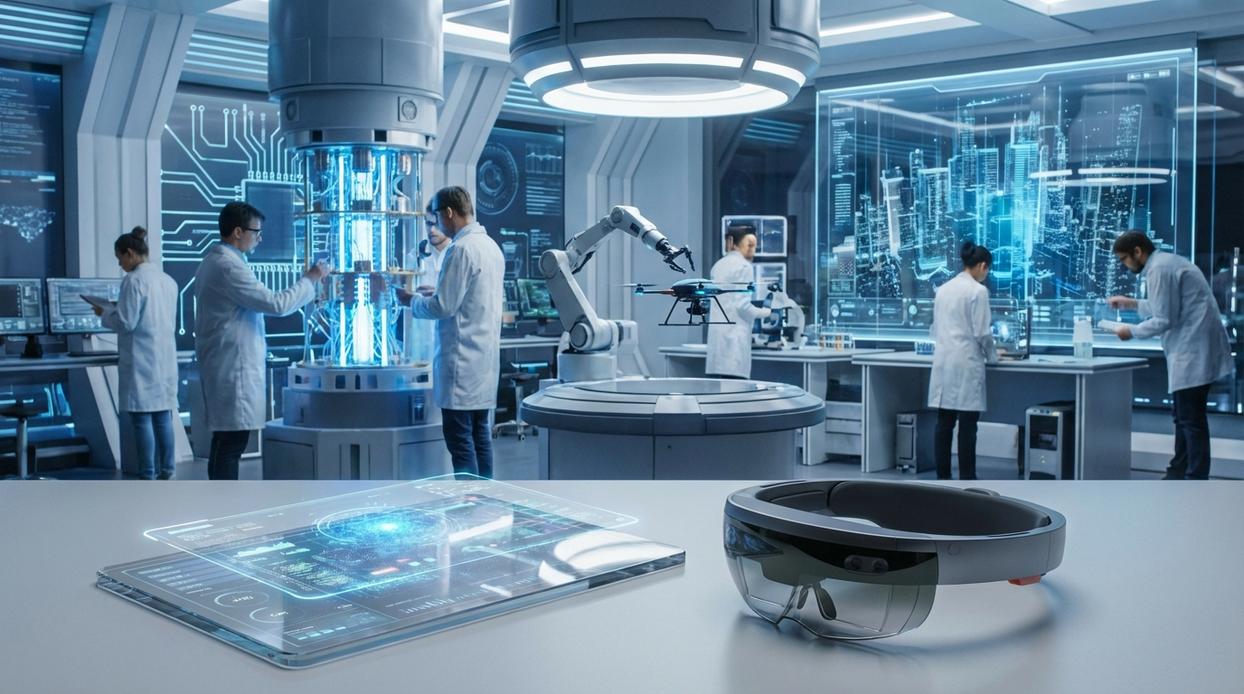
You’ve probably noticed something frustrating about smart homes.
Nothing talks to each other.
Your thermostat works with one app. Your lights need another. Your security cameras? That’s a third ecosystem you’re locked into.
Some people say this is just how it works. They’ll tell you to pick one brand and stick with it. Buy everything from the same company and you’ll be fine.
But here’s the problem with that approach.
You’re stuck. When that company decides to stop supporting a product (and they will), you’re left with expensive paperweights. Or they change their pricing model and suddenly your “smart” home costs you a monthly subscription just to turn on the lights.
I built the FNTK Nexus Core because I was tired of this nonsense.
It’s an open-source hub with a different philosophy. You start with a base Core unit that handles your basic smart home functions. Then you add Nexus Modules based on what you actually need.
Want better audio processing? Snap in that module. Need local AI computation for voice commands that don’t get sent to some server farm? There’s a module for that too.
Here’s what this means for you:
- You pay for what you use, not a bundle of features you’ll never touch
- When new tech comes out, you swap in a new module instead of replacing the whole system
- Your setup grows with your needs instead of forcing you to start over
The best part? Everything runs locally.
Your voice commands get processed in your home. Your automation rules don’t need an internet connection to work. When your ISP goes down (because it will), your lights still respond and your security system keeps running.
This is the role of modern devices fntkdevices should play. They should work for you, not for the company that made them.
Your data stays on your network. No cloud servers logging every time you adjust the temperature or turn off a light.
The Nexus Core gives you control back. This connects directly to what I discuss in E-Cigarettes Guide Fntkdevices.
The FNTK Philosophy: Purpose-Driven Hardware Engineering
I used to build devices the wrong way.
Early on, I’d see a new sensor hit the market and think, “We need to add this.” I’d watch competitors announce features and scramble to match them. It felt like progress.
It wasn’t.
What I learned (the hard way) is that chasing specs gets you nowhere. You end up with devices that do everything and solve nothing.
Here’s what actually matters.
Every hi tech devices fntkdevices project starts with a problem. Not a feature list. Not a trend. A real issue that people face every day.
We ask what needs to exist that doesn’t. Then we work backward from there.
Some people think this approach is slow. They say you miss opportunities by not jumping on what’s hot. And yeah, we’ve passed on plenty of “next big things” that fizzled out six months later.
But here’s the truth.
Building from first principles means our devices last. They solve problems that don’t go away just because the market shifts. By focusing on first principles, the innovative design of Fntkdevices ensures that they not only adapt to market changes but also provide lasting solutions to persistent gaming challenges. By prioritizing first principles in their design, Fntkdevices not only address the immediate challenges faced by gamers but also ensure that their innovative technology remains relevant and effective as the gaming landscape evolves.
The result? Tools that actually work for you, not gadgets that collect dust after the novelty wears off.
Experience the Next Generation of Technology
I built FNTK Devices because screens were taking over our lives.
We needed a better way to interact with technology. Something that felt natural instead of demanding constant attention.
The VisionFrame, Aura Band, and Nexus Core represent that shift. These devices work with you instead of pulling you away from what matters.
You came here to see what’s next in personal and home technology. Now you understand where we’re headed.
We’ve moved past the era of distracting screens and closed ecosystems. The future is about integration and intuition.
Here’s what you should do next: Visit the official fntkdevices product pages to see full specifications. Watch the demonstration videos to see how these devices actually work. Sign up for pre-order notifications so you don’t miss the launch.
Technology should adapt to your life, not the other way around.
The next generation is here. Your move is to decide if you’re ready for it.
 Hazel Brinkleyanday has opinions about advanced concepts. Informed ones, backed by real experience — but opinions nonetheless, and they doesn't try to disguise them as neutral observation. They thinks a lot of what gets written about Advanced Concepts, Tech Innovation Updates, FNTK Hardware Engineering Insights is either too cautious to be useful or too confident to be credible, and they's work tends to sit deliberately in the space between those two failure modes.
Reading Hazel's pieces, you get the sense of someone who has thought about this stuff seriously and arrived at actual conclusions — not just collected a range of perspectives and declined to pick one. That can be uncomfortable when they lands on something you disagree with. It's also why the writing is worth engaging with. Hazel isn't interested in telling people what they want to hear. They is interested in telling them what they actually thinks, with enough reasoning behind it that you can push back if you want to. That kind of intellectual honesty is rarer than it should be.
What Hazel is best at is the moment when a familiar topic reveals something unexpected — when the conventional wisdom turns out to be slightly off, or when a small shift in framing changes everything. They finds those moments consistently, which is why they's work tends to generate real discussion rather than just passive agreement.
Hazel Brinkleyanday has opinions about advanced concepts. Informed ones, backed by real experience — but opinions nonetheless, and they doesn't try to disguise them as neutral observation. They thinks a lot of what gets written about Advanced Concepts, Tech Innovation Updates, FNTK Hardware Engineering Insights is either too cautious to be useful or too confident to be credible, and they's work tends to sit deliberately in the space between those two failure modes.
Reading Hazel's pieces, you get the sense of someone who has thought about this stuff seriously and arrived at actual conclusions — not just collected a range of perspectives and declined to pick one. That can be uncomfortable when they lands on something you disagree with. It's also why the writing is worth engaging with. Hazel isn't interested in telling people what they want to hear. They is interested in telling them what they actually thinks, with enough reasoning behind it that you can push back if you want to. That kind of intellectual honesty is rarer than it should be.
What Hazel is best at is the moment when a familiar topic reveals something unexpected — when the conventional wisdom turns out to be slightly off, or when a small shift in framing changes everything. They finds those moments consistently, which is why they's work tends to generate real discussion rather than just passive agreement.