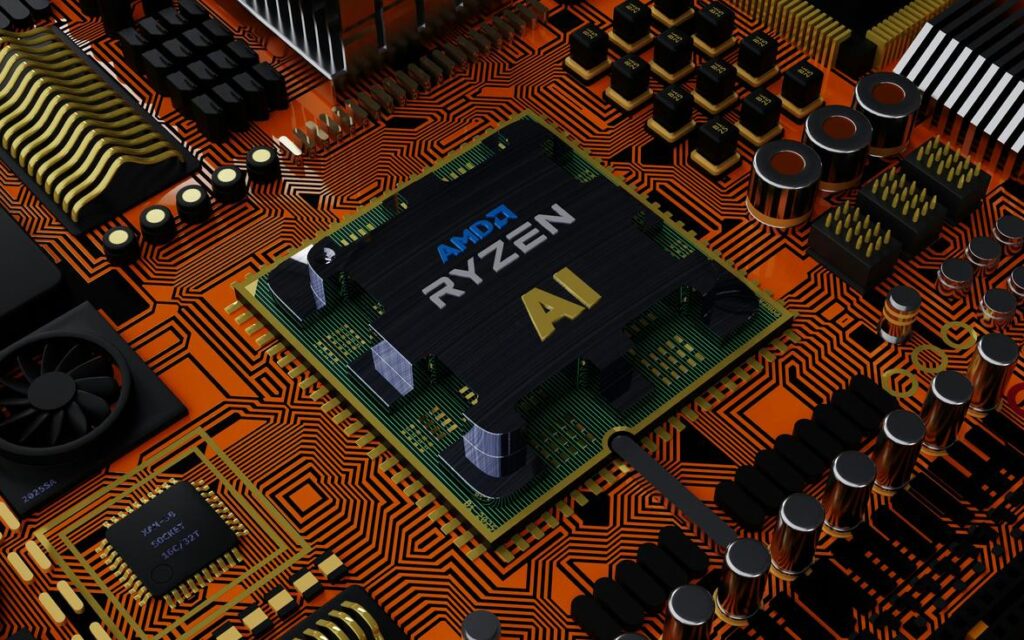
Heat is the invisible threat inside every modern device. From compact processors to high-output power supplies, every electronic component generates heat as a natural byproduct of operation. Left unchecked, that thermal energy quietly degrades performance, triggers system instability, and significantly shortens a device’s lifespan. This article addresses the critical problem of overheating by breaking down the essential thermal management techniques used in today’s hardware design. You’ll learn not just what these cooling methods are, but how and why they work—equipping you to better understand, evaluate, and optimize the thermal design of any electronic system.
The Physics of Cooling: How Heat Actually Moves
Understanding how heat moves isn’t just for engineers—it helps you choose better hardware and avoid overheating headaches (yes, that laptop-on-a-blanket moment matters).
Conduction is direct heat transfer between materials in contact. When a CPU touches a copper heat sink, energy flows from hot to cool through atomic vibration. Copper and aluminum excel here because of high thermal conductivity—meaning they transfer heat efficiently (U.S. Dept. of Energy). If your processor runs hot, improving contact with quality thermal paste can dramatically boost performance.
Convection moves heat through fluids like air or liquid. Fans push warm air away and pull cooler air in. Without airflow, even the best heat sink struggles. Think of it like steam rising from coffee—motion carries heat upward.
Radiation emits heat as infrared energy. It’s less dominant but critical in silent systems where every watt counts (NASA notes all objects radiate heat). In passive builds, smart thermal management techniques combine all three modes:
- Maximize metal contact
- Optimize airflow paths
- Increase surface area
Heat Sinks: The Foundation of Cooling
At its core, a heat sink is a simple idea executed with precision: increase surface area to move heat into surrounding air. More fins mean more exposure; more exposure means faster dissipation. But not all fins are created equal. Thin, closely spaced fins maximize surface area, while wider spacing improves natural convection in fanless systems. Orientation matters too—vertical fins enhance airflow through buoyancy (hot air rises, whether we notice it or not).
Material choice is equally critical. Aluminum is lightweight and cost-effective, while copper offers nearly double the thermal conductivity (~400 W/m·K vs. ~205 W/m·K, Engineering Toolbox). Copper spreads heat faster; aluminum sheds it efficiently for its weight. Some argue active cooling makes fin design less important. Yet in silent or low-power devices, optimized passive geometry directly translates to longer component lifespan and sustained performance.
Heat Pipes & Vapor Chambers: High-Speed Heat Movers
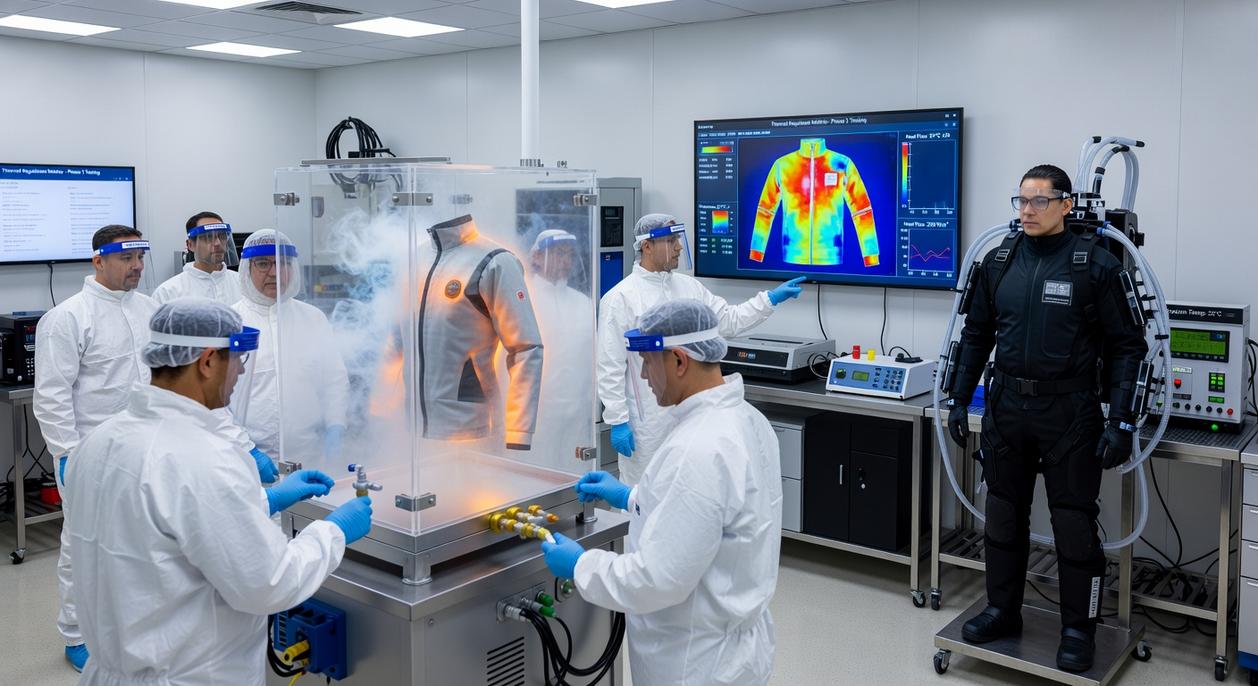
Heat pipes are sealed copper tubes containing a working fluid—often water under partial vacuum. When heat hits the evaporator end, the fluid vaporizes, travels to the cooler end, condenses, and returns via capillary action through a wick structure. This phase-change cycle moves heat with remarkable efficiency, often outperforming solid copper of the same size (U.S. DOE fundamentals of heat transfer).
Vapor chambers expand this concept into a flat plate, ideal for laptops and compact GPUs where heat density is extreme. Critics may say these add cost and complexity. True—but they enable thinner devices without throttling performance (and nobody wants their ultrabook sounding like a jet engine).
Thermal Interface Materials (TIMs): Bridging the Gap
Even polished metal surfaces contain microscopic air gaps. Air conducts heat poorly (~0.024 W/m·K). Thermal pastes, pads, and adhesives fill these voids, reducing thermal resistance and improving conductive transfer.
High-performance TIMs can drop junction temperatures by several degrees Celsius, directly improving reliability (Arrhenius reliability model). Pro tip: apply only enough paste to fill gaps—excess can hinder performance.
Together, these thermal management techniques define the silent guardians of modern hardware. They’re also foundational when optimizing power delivery networks in modern devices.
Active Intervention: When Passive Isn’t Enough
When passive cooling—like heat sinks and natural convection—can’t keep temperatures in check, active solutions step in. And in modern high-performance systems, they’re often non-negotiable.
Forced Airflow (Fans): The Industry Standard
First, let’s define the two dominant fan types. Axial fans move air parallel to the shaft; they’re ideal for case ventilation where resistance is low. Centrifugal fans (or blowers) push air outward at a 90-degree angle, generating higher static pressure—perfect for tight spaces like server racks or dense GPU shrouds.
Here’s where design gets tricky. CFM (cubic feet per minute) measures airflow volume. Static pressure reflects a fan’s ability to push air through obstacles (like radiators). Higher CFM is great for open airflow, but without enough static pressure, performance drops in restrictive systems. Then there’s acoustic noise, typically measured in decibels (dBA). More airflow often means more noise (your gaming PC shouldn’t sound like a jet engine).
If you’re balancing performance and comfort, prioritize high static pressure for radiators and quieter axial fans for case intake. Pro tip: Check fan curves, not just peak specs.
Liquid Cooling Systems: The Ultimate in Performance
When heat loads spike—think overclocked CPUs or AI workloads—liquid cooling excels. A basic loop includes a water block (absorbs heat), pump (circulates coolant), radiator (dissipates heat), and coolant (transfers thermal energy).
Why is it superior? Liquids have higher thermal conductivity than air, enabling more efficient heat transfer (U.S. DOE confirms water’s thermal properties outperform air in heat exchange scenarios). As a result, liquid systems manage extreme loads more consistently.
Some argue modern air cooling rivals liquid setups—and for mid-range builds, that’s fair. However, for sustained peak output, advanced thermal management techniques often demand liquid solutions.
Thermoelectric Coolers (Peltier Devices) use electricity to move heat, not just create it. When current flows through two different conductive materials, heat is absorbed on one side and released on the other, creating a temperature difference. This active heat pumping powers niche tools like portable vaccine coolers and sensitive lab sensors (think sci‑fi cryo pods, but smaller).
Immersion Cooling takes a bolder approach:
- Entire servers are submerged in non-conductive dielectric fluid.
- The liquid absorbs heat directly from components.
Because the fluid doesn’t conduct electricity, hardware keeps running safely. Among advanced thermal management techniques, it’s one of the most efficient today.
A Holistic Approach to System Reliability
You set out to understand what truly makes a system reliable—and the answer is clear. Effective thermal management is never about a single heatsink or fan. It’s about engineering a complete pathway that leverages conduction, convection, and radiation to move heat efficiently from its source to the outside environment.
When that pathway is optimized, performance stabilizes, components last longer, and devices operate as intended under real-world stress. Ignore it, and even the most powerful silicon will underperform.
If you’re designing hardware that can’t afford failure, prioritize smarter cooling architecture now. Explore advanced thermal strategies and build reliability in from the start.