
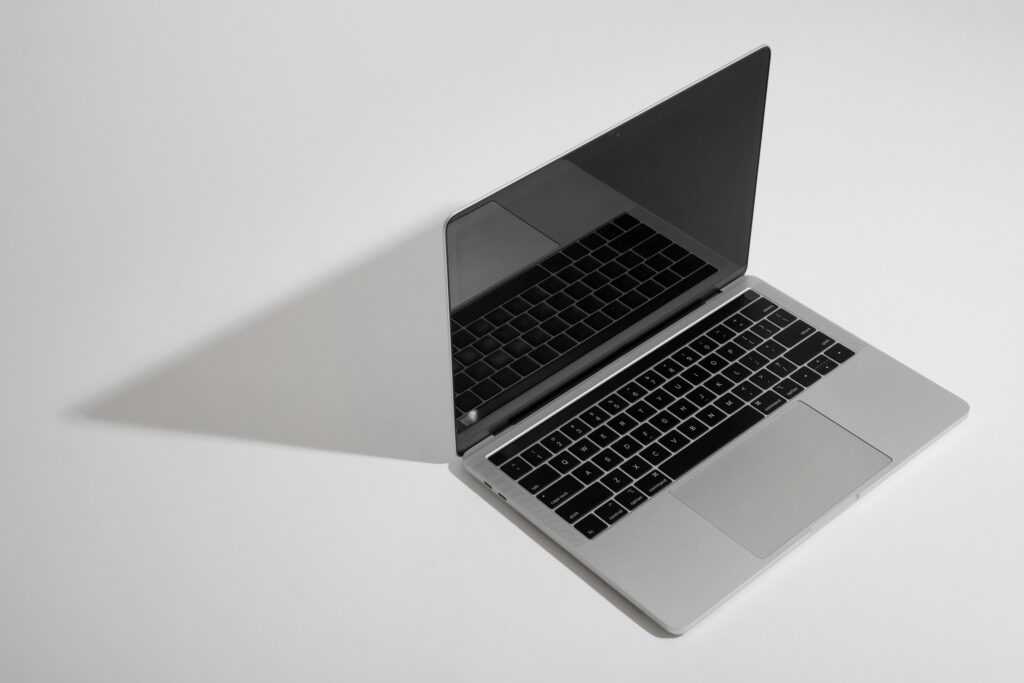
A laptop sitting unused after an upgrade represents real money left on the table, but the gap between what a well-prepared laptop sells for and what a rushed listing brings can be substantial. Buyers and resale platforms pay close attention to details that go well beyond just the model name, and skipping preparation steps like proper data wiping or hardware testing tends to result in lower offers, longer negotiations, or outright rejection from stricter buyback programs. Working through the process methodically protects both your data and your final payout.
Backing Up Everything Before Touching Any Settings
Before changing a single setting, back up everything worth keeping. Documents, photos, saved project files, and application data can be lost permanently once a laptop is wiped, and there’s no recovering them afterward if this step gets rushed or skipped entirely. External hard drives, cloud storage services, or a combination of both give redundancy in case one backup method has an issue partway through the transfer.
Confirming a backup actually completed, rather than assuming it did, matters more than people expect. Opening a handful of backed-up files directly, especially larger documents or media files, verifies the transfer worked correctly rather than discovering a corrupted or incomplete backup after the original data is already gone. For laptops used for work or containing sensitive documents, this step deserves extra care, since some files may need to be manually located outside standard folders like Documents or Desktop before the wipe begins.
Wiping the Drive Securely
Once backups are confirmed, the laptop needs a proper data wipe, not just a simple file deletion. Standard deletion leaves data recoverable with basic software tools, since deleted files typically remain on the drive until new data overwrites them. A full factory reset or a dedicated secure-erase utility overwrites the drive more thoroughly, which matters significantly for anyone who used the laptop for banking, work accounts, or anything containing personal identification.
For laptops with traditional mechanical hard drives, a secure erase takes meaningfully longer than for solid-state drives, since the overwriting process works differently across the two storage types, but skipping ahead to speed things up isn’t worth the risk of leftover recoverable data. Before following a search such as “sell laptop at PayMore” to arrange an in-store assessment, owners should complete their own backup and data removal process, even when the buyer provides a further wipe as part of intake. Confirming the laptop boots to its original setup screen after the wipe, rather than any previous user profile, verifies the process worked as intended.
Testing Hardware Thoroughly
Functional issues discovered by a buyer after purchase almost always lead to disputes, returned devices, or lower final payments, which makes hardware testing worth the extra time before listing. A structured pass through the major components catches problems that might not be obvious during casual daily use:
- Battery health and charging, checking how long the laptop holds a charge and whether the charging port makes a secure connection without needing to be held at an angle.
- Screen quality, looking for dead pixels, discoloration, or dim spots across a range of brightness levels and background colors.
- Keyboard and trackpad responsiveness, testing every key individually along with trackpad gestures and click functionality.
- Ports and connectivity, confirming USB ports, HDMI or video outputs, and audio jacks all function correctly, along with Wi-Fi and Bluetooth connections.
- Fan noise and thermal performance, running the laptop under a moderate workload to check for unusual noise or overheating that might indicate a deeper hardware issue.
Documenting any issues found honestly, rather than hoping a buyer won’t notice, prevents disputes later and tends to result in a more accurate final offer than an inflated condition claim that doesn’t hold up during inspection.
Cleaning and Cosmetic Preparation
Physical presentation affects buyer confidence even when it has no bearing on actual performance. A laptop covered in dust, fingerprints, or visible grime raises questions about how well it was maintained internally, even when the hardware itself tests perfectly fine. Wiping down the screen and exterior with a microfiber cloth, cleaning out the keyboard with compressed air to remove accumulated debris, and checking vents for dust buildup all take just a few minutes but noticeably improve how a listing photographs and how a device is perceived during in-person or platform inspection.
Removing any stickers, labels, or personalized engravings where possible also helps, since a clean, neutral appearance tends to photograph better and signals a well-cared-for device more effectively than one covered in old branding or wear marks from years of use.
Gathering Accessories and Original Packaging
Complete sets consistently sell for more than a laptop alone, and gathering everything that originally came with the device before listing it makes a measurable difference in the final offer. The original charger is the most important accessory to include, since buyers often have to source a replacement otherwise, and mismatched or third-party chargers can raise questions about compatibility or authenticity.
Original packaging, documentation, and any included accessories like a mouse, sleeve, or adapter dongles all add incremental value when included together rather than sold separately or left out entirely. Sellers preparing to use a laptop buyback service should gather these items during the same session as backing up and testing, since scrambling to find a charger or box after already agreeing to a quote tends to slow down the transaction unnecessarily.
Getting an Accurate Final Valuation
With backups secured, data wiped, hardware tested, and accessories gathered, the last step is confirming the laptop’s actual market value before committing to a sale. Specifications like processor generation, RAM, storage capacity, and screen size all factor into pricing, along with overall condition and current demand for that specific model. Checking a couple of different sources before settling on where to sell gives a more realistic picture of fair value than accepting the first quote offered.
Instant-quote platforms provide a useful baseline for comparison even for sellers who ultimately decide to list elsewhere, since they reflect current market pricing based on entered specifications and condition rather than a guess. Being accurate and honest about condition during this step avoids a lower final offer once a buyer or platform inspects the laptop directly and finds the description didn’t quite match reality.
Key Takeaways
Getting the most out of a used laptop sale comes down to following the right sequence rather than rushing straight to a listing. Backing up files first, wiping the drive securely, testing hardware thoroughly, cleaning the device, and gathering every original accessory all work together to build both buyer confidence and a stronger final price. Taking the time to complete each step properly, rather than skipping ahead to save a few minutes, consistently results in a smoother transaction and a more accurate reflection of what the laptop is actually worth.
 Joseph Keyseringer writes the kind of device optimization techniques content that people actually send to each other. Not because it's flashy or controversial, but because it's the sort of thing where you read it and immediately think of three people who need to see it. Joseph has a talent for identifying the questions that a lot of people have but haven't quite figured out how to articulate yet — and then answering them properly.
They covers a lot of ground: Device Optimization Techniques, FNTK Hardware Engineering Insights, Tech Innovation Updates, and plenty of adjacent territory that doesn't always get treated with the same seriousness. The consistency across all of it is a certain kind of respect for the reader. Joseph doesn't assume people are stupid, and they doesn't assume they know everything either. They writes for someone who is genuinely trying to figure something out — because that's usually who's actually reading. That assumption shapes everything from how they structures an explanation to how much background they includes before getting to the point.
Beyond the practical stuff, there's something in Joseph's writing that reflects a real investment in the subject — not performed enthusiasm, but the kind of sustained interest that produces insight over time. They has been paying attention to device optimization techniques long enough that they notices things a more casual observer would miss. That depth shows up in the work in ways that are hard to fake.
Joseph Keyseringer writes the kind of device optimization techniques content that people actually send to each other. Not because it's flashy or controversial, but because it's the sort of thing where you read it and immediately think of three people who need to see it. Joseph has a talent for identifying the questions that a lot of people have but haven't quite figured out how to articulate yet — and then answering them properly.
They covers a lot of ground: Device Optimization Techniques, FNTK Hardware Engineering Insights, Tech Innovation Updates, and plenty of adjacent territory that doesn't always get treated with the same seriousness. The consistency across all of it is a certain kind of respect for the reader. Joseph doesn't assume people are stupid, and they doesn't assume they know everything either. They writes for someone who is genuinely trying to figure something out — because that's usually who's actually reading. That assumption shapes everything from how they structures an explanation to how much background they includes before getting to the point.
Beyond the practical stuff, there's something in Joseph's writing that reflects a real investment in the subject — not performed enthusiasm, but the kind of sustained interest that produces insight over time. They has been paying attention to device optimization techniques long enough that they notices things a more casual observer would miss. That depth shows up in the work in ways that are hard to fake.